No Lightroom? Identify wildlife in folders and Apple Photos
Specio doesn't need Lightroom. Point it at a folder of JPEG, RAW, HEIC or PSD files, or at your Apple Photos library, and it identifies every animal — then writes the species where those photos live.
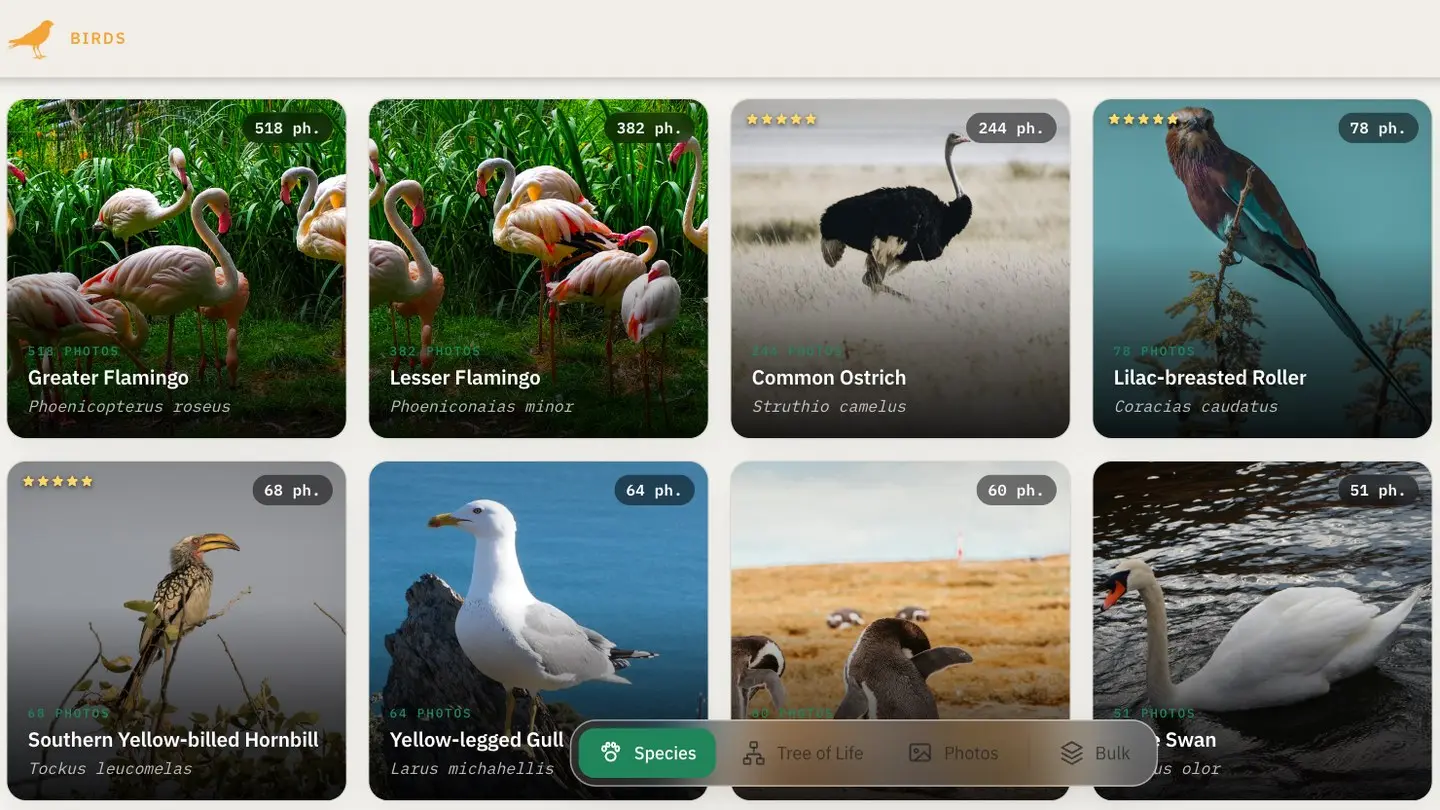
Not every photographer lives in Lightroom. Some keep a tidy tree of folders on a disk, some shoot with a phone and let Apple Photos do the filing, many do a bit of both. Specio treats all of them as first-class: a folder or a Photos library connects just as well as a Lightroom catalogue, and Lightroom does not even need to be installed.
Photos scattered across places
A wildlife archive is rarely in one place. The trip to Costa Rica sits in a folder of RAW files, last summer's garden birds are in Apple Photos, a few Photoshop composites live somewhere else again. Any tool that only understands one of those leaves the rest of your library in the dark.
How Specio handles folders and Apple Photos
A folder on your disk
Click + next to the sources pill on Home, choose Connect a folder, and point at a folder. Specio walks all its sub-folders. Supported formats:
- JPEG
- RAW from most cameras (and DNG, TIFF)
- HEIC
- PSD and PSB — Specio reads the flattened image Photoshop stores in the document
A photo's identity is its location. Moving or renaming a file does not lose its identifications, and a rescan works out on its own what was added, changed or deleted.
When Specio writes a confirmed species, it chooses the safest place for each format:
- RAW, DNG, TIFF, HEIC… — an
.xmpsidecar file beside the original, which stays untouched. An existing sidecar is added to: what other applications wrote into it (rating, label, develop settings) is kept. - JPEG and PSD — they have no sidecar, so writing means rewriting the file itself. That is why each needs its own consent, off by default: without it, nothing is written.
The hierarchical keyword path Specio writes is the form Lightroom Classic itself uses, and the one digiKam, darktable and Photo Mechanic expect. Applications that only read the flat IPTC Keywords field find the common name there.
Apple Photos (macOS)
Choose Connect Apple Photos and macOS asks for permission the first time. You then decide whether to analyse the whole library or only certain albums.
Apple's Photos does not let other applications write a title or a caption, but it does have albums. Two kinds of writing are possible, both off by default — Specio does not touch your library unless you ask:
- Create a species album on confirmation — each confirmed species gets its own album, filed under a "Specio" folder.
- Also write real Photos keywords — the full taxonomy is added as keywords on the photo.
Sources never overlap
Specio refuses to add a folder that overlaps one it already tracks, so the same photo is never counted twice. And if a source's disk is unplugged when you confirm a species, the write waits and resumes on its own once the file is reachable again.
A concrete example
Say your birds are split between a Wildlife/2025 folder of RAW files and an Apple Photos album of garden visitors. Connect both. Start the folder's analysis, then the album's: the second one joins a queue and starts as soon as the first finishes — no need to come back and trigger it.
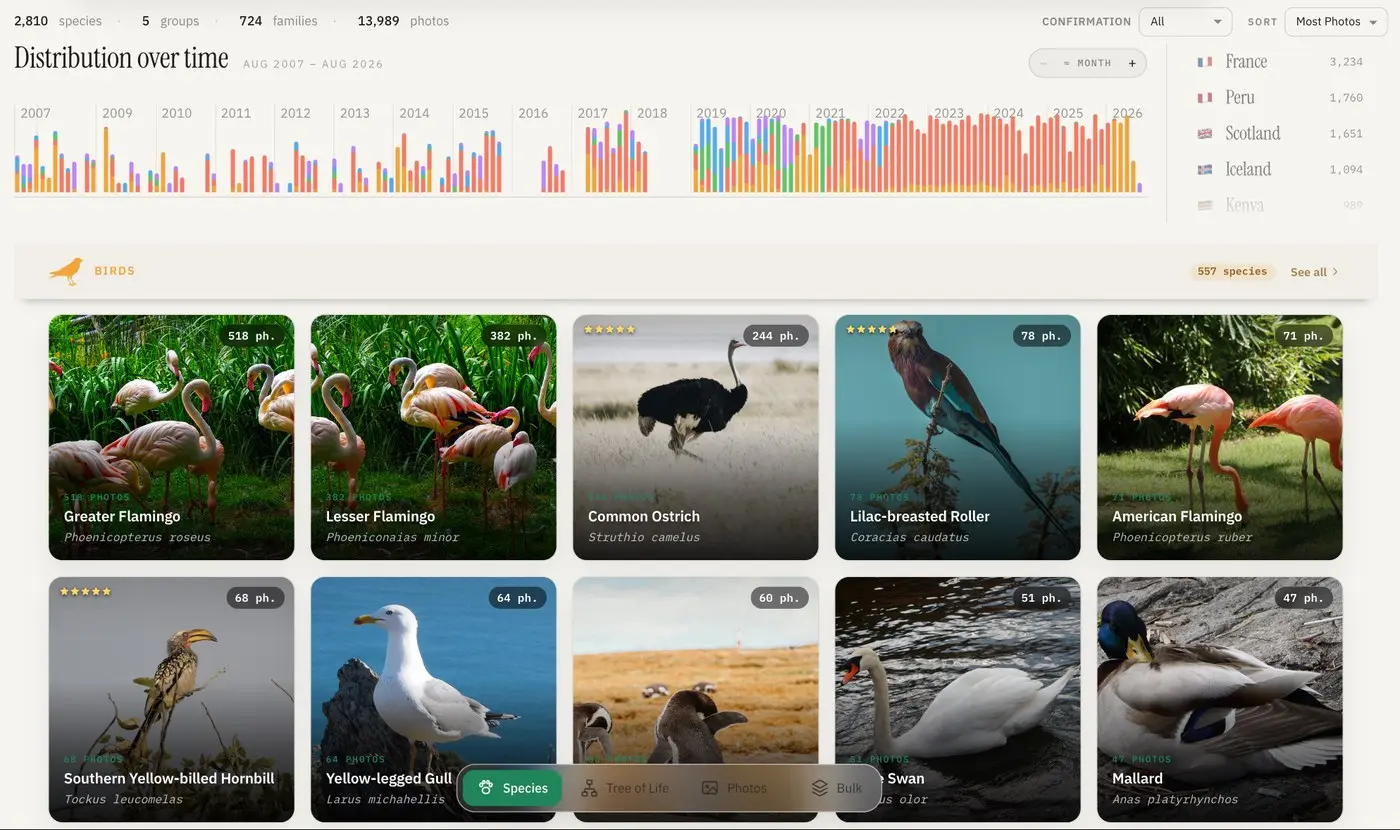
When it is done, the Species view shows one card per species, whichever source the photos came from.
Some files can't be analysed — an unreadable file, an unsupported format, a Photoshop document saved without "Maximize compatibility". Each source's analysis report lists them with the reason and, where possible, what to do. No photo is skipped silently.
Key takeaways
- Lightroom is optional: folders and Apple Photos are full sources.
- Folders support JPEG, RAW, HEIC, PSD and PSB; moving a file keeps its identifications.
- RAW files get an
.xmpsidecar; JPEG and PSD are only rewritten with your consent. - Apple Photos gets species albums and keywords — only if you switch them on.
Going further
Specio runs on macOS and Windows (Apple Photos is macOS only). Try it free on your own folders — 250 photos stay fully usable — then pick the families you need on the Store. Questions? See the FAQ.