Field notes on wildlife photography, species identification and keeping a photo library you can actually search.
Tens of thousands of RAW files? A few settings make Specio's analysis much faster and keep your computer usable meanwhile: standard previews, background priority, no sleep, and…
Specio flags the species in your photos that the IUCN Red List classes as Critically Endangered, Endangered or Vulnerable — and warns you before a precise location could reveal…
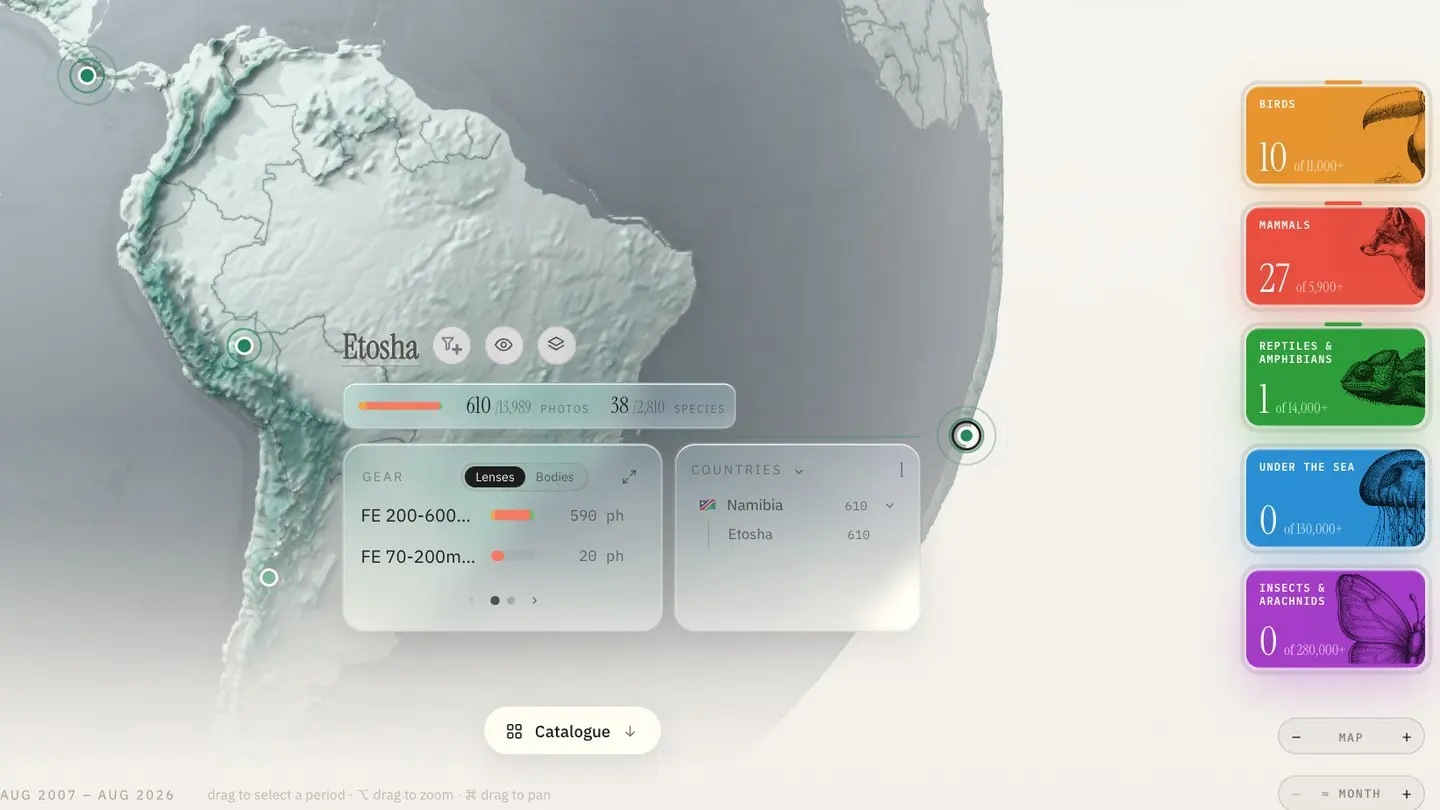
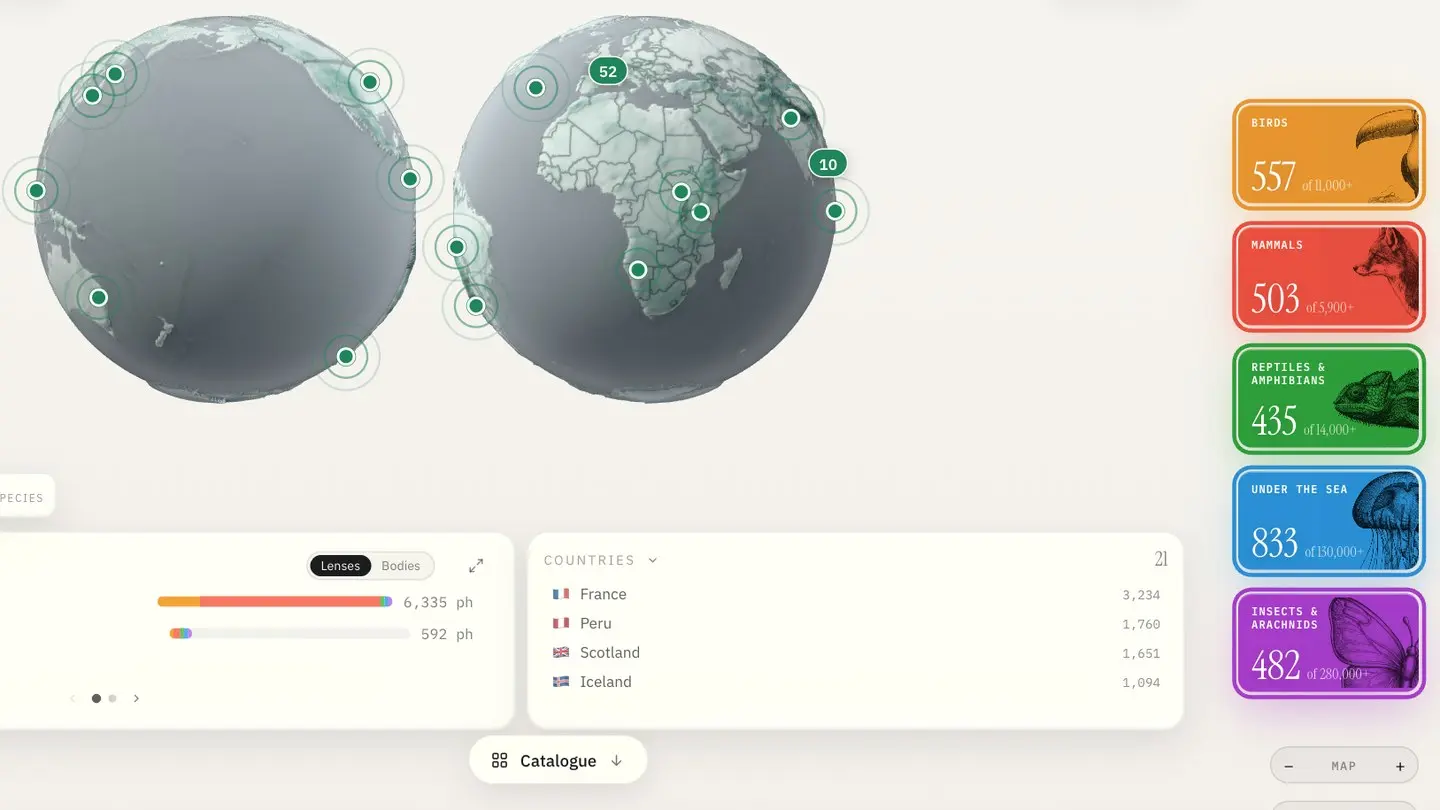
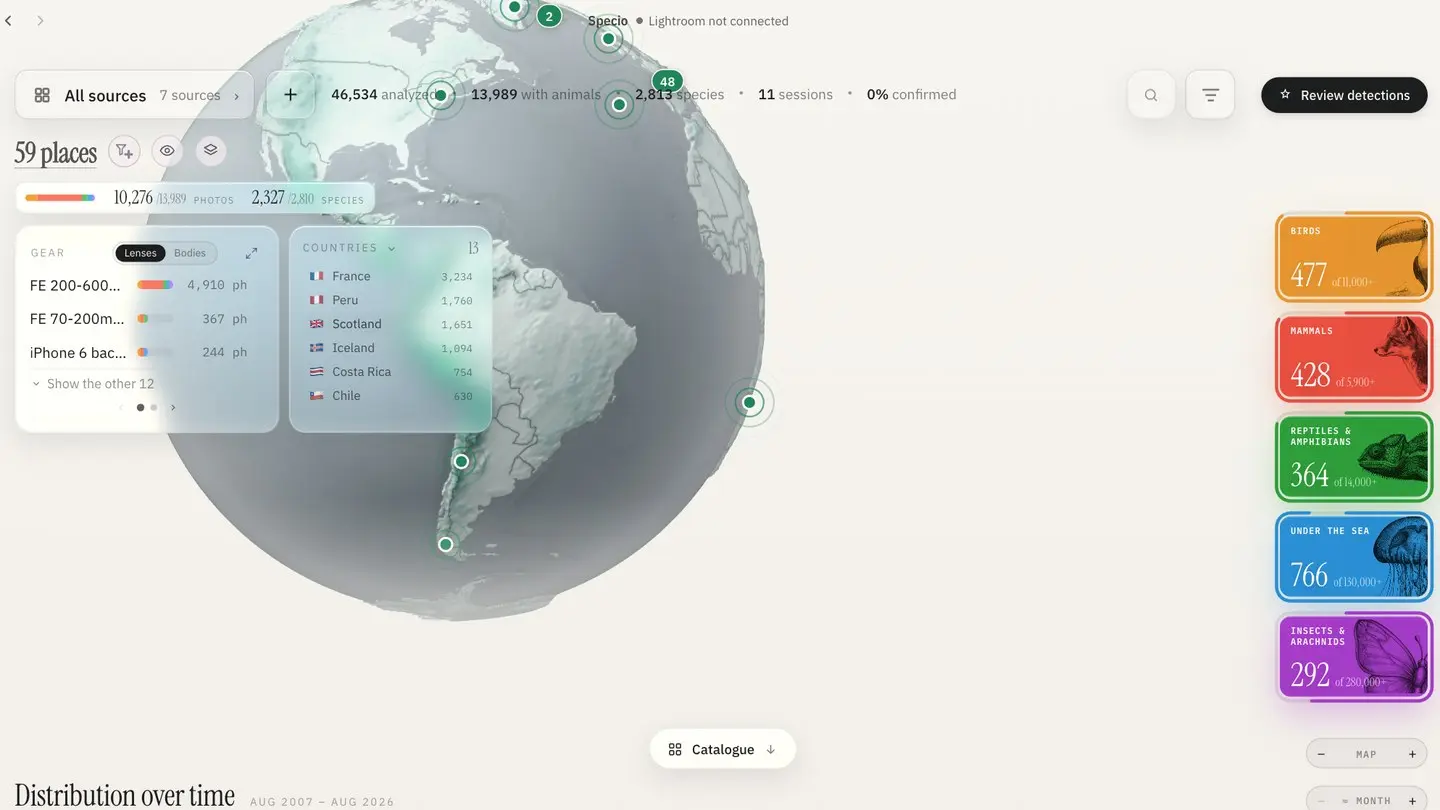
Specio's Home screen puts your wildlife photos on a globe and a timeline. Select a region or a period and see which species you found there — and give a place to photos shot…
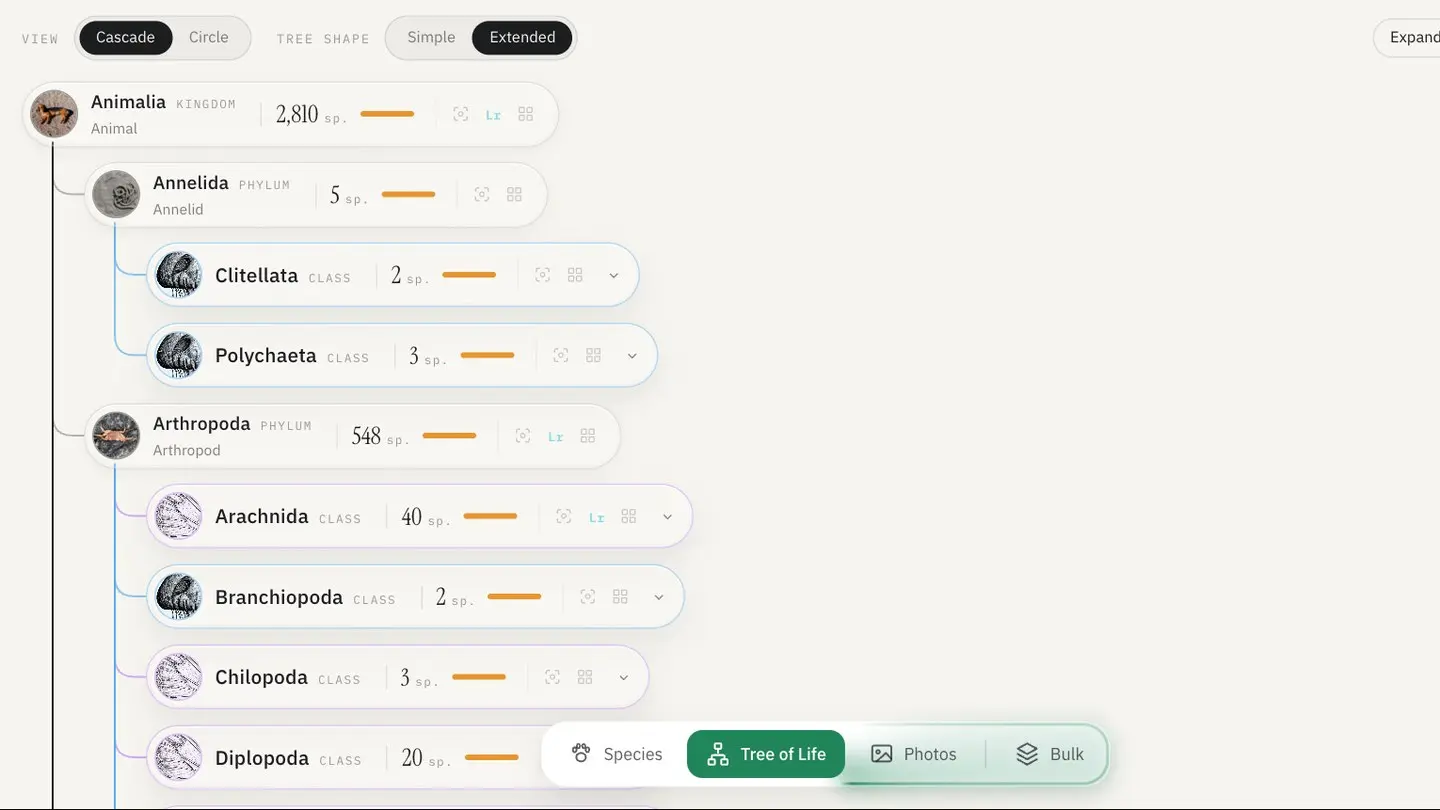
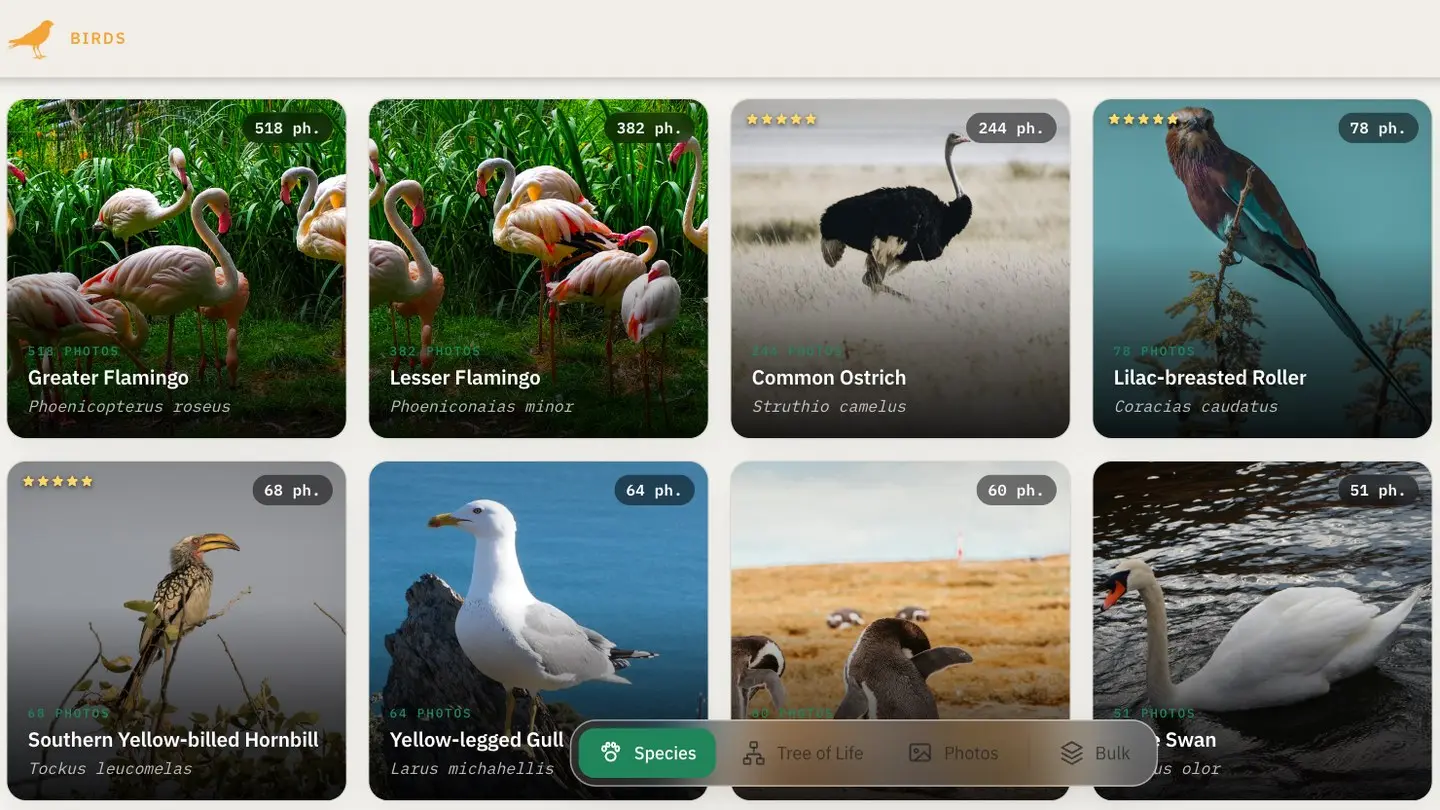
Specio files every animal you've photographed into the classification of life, from kingdom to species. Browse your archive by order, family or genus — and see how your sightings…
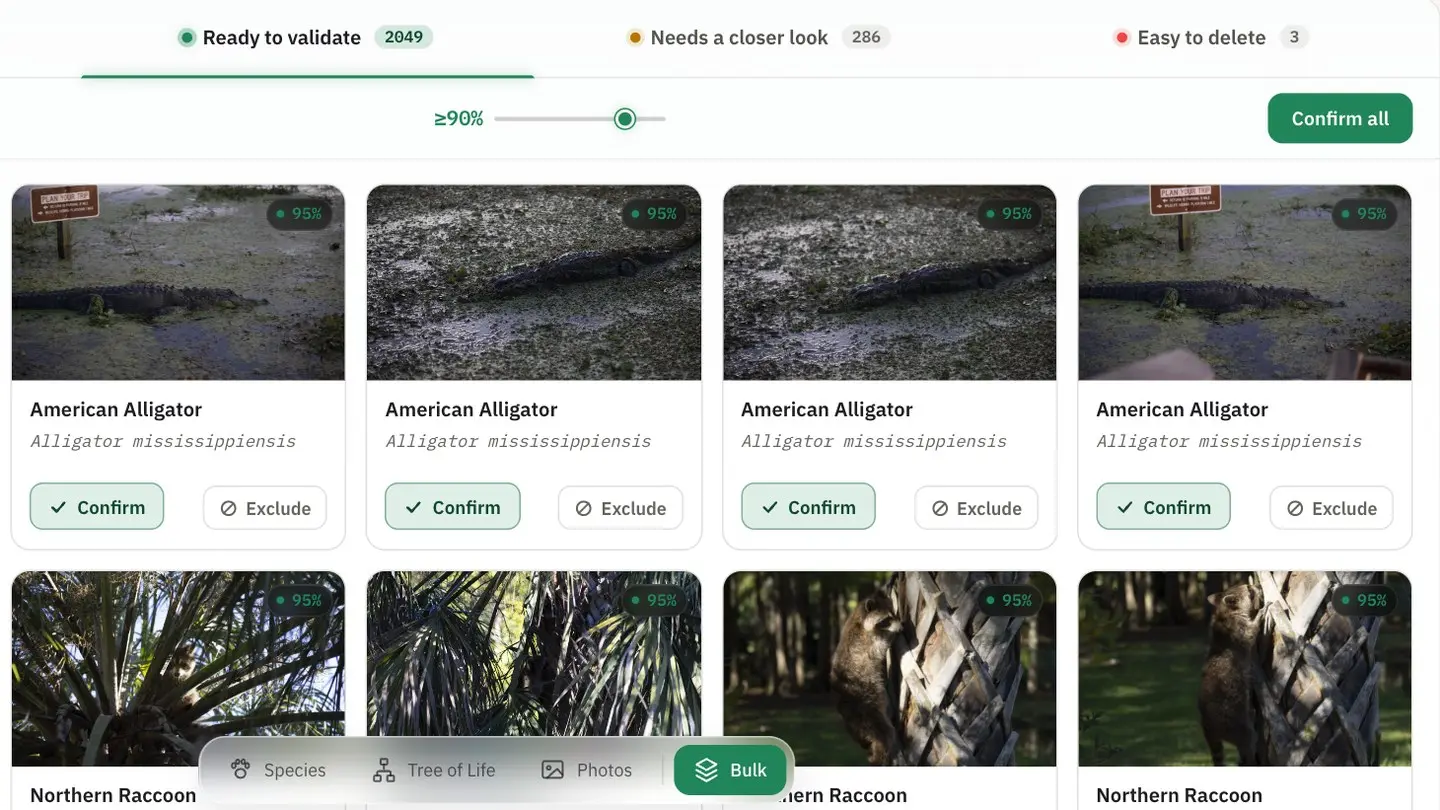
Specio's Bulk view sorts every detection by confidence, so you confirm the obvious ones in one click and spend your time only where it's needed. Every batch action can be undone.
Specio doesn't need Lightroom. Point it at a folder of JPEG, RAW, HEIC or PSD files, or at your Apple Photos library, and it identifies every animal — then writes the species…
Specio identifies the animals in your Lightroom Classic catalogue and writes each confirmed species back as a keyword, with its full taxonomy, in your language. Your own keywords…
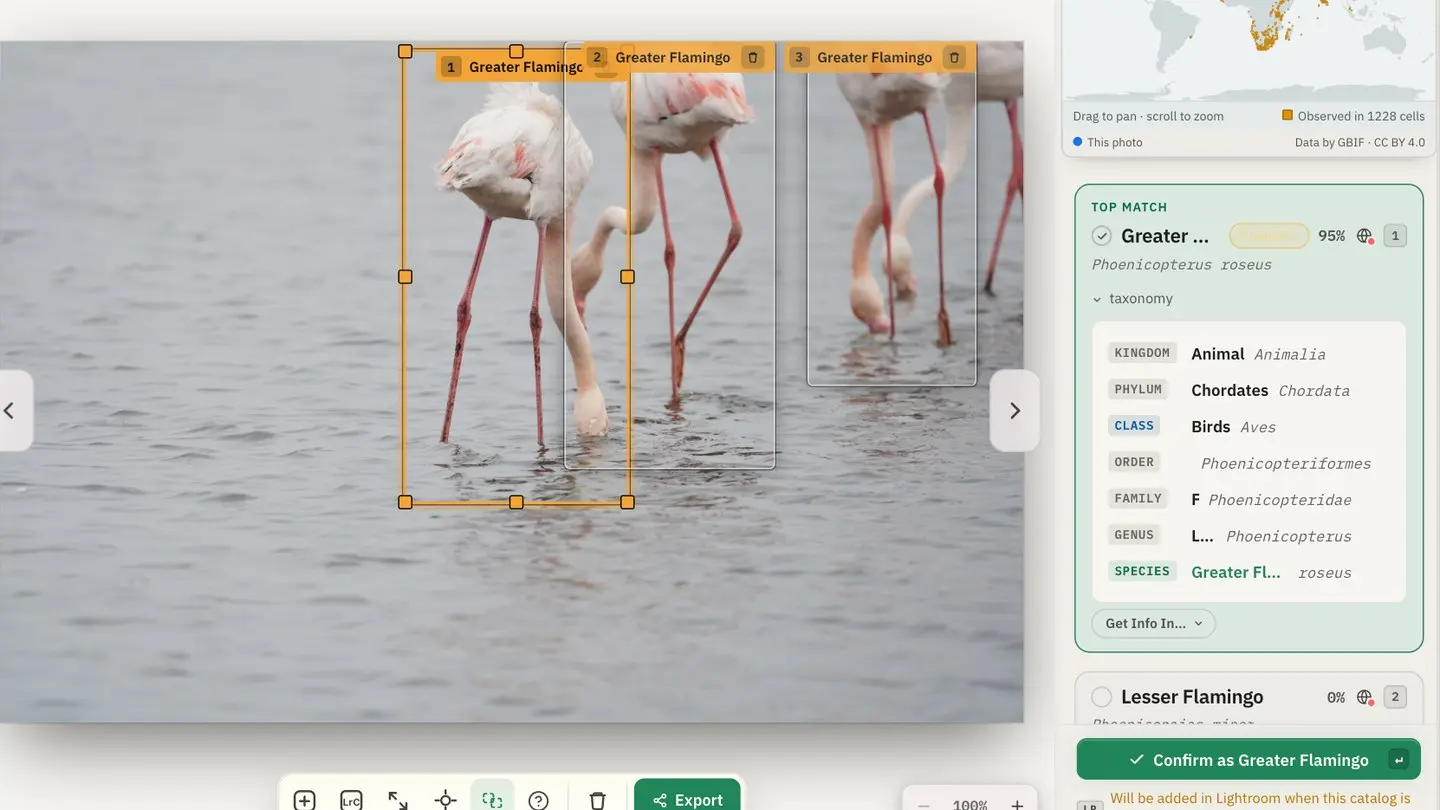
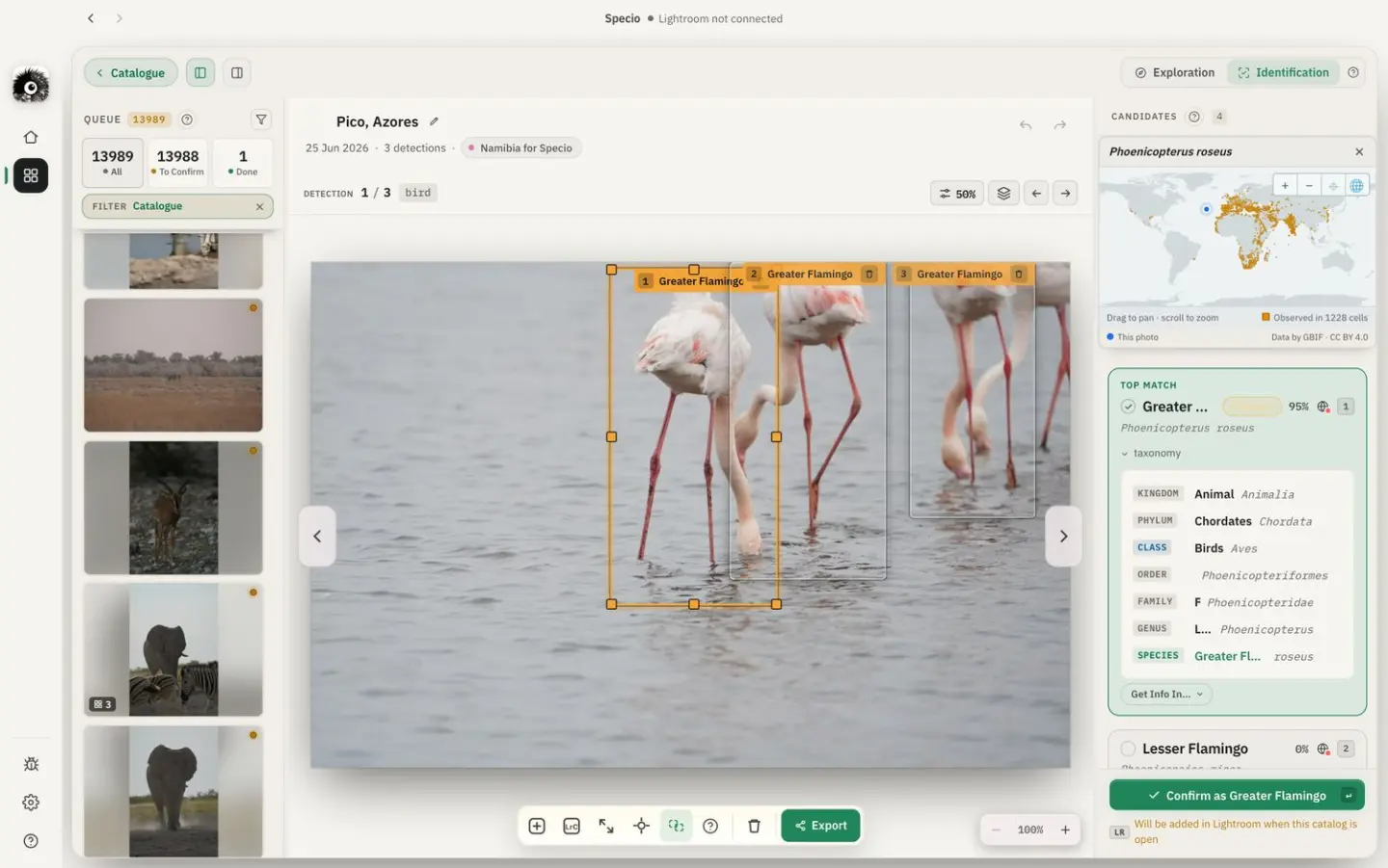
Specio finds the animals in your photo library and proposes a species for each one — entirely on your machine, offline, with nothing uploaded. You confirm; it files your library…
You remember the moment, the light, the wait. The name of the bird on the third branch, less so. Specio looks at your wildlife photos, finds every animal in them and tells you…