Identify the wildlife in your photos, on your own computer
Specio finds the animals in your photo library and proposes a species for each one — entirely on your machine, offline, with nothing uploaded. You confirm; it files your library across the tree of life.
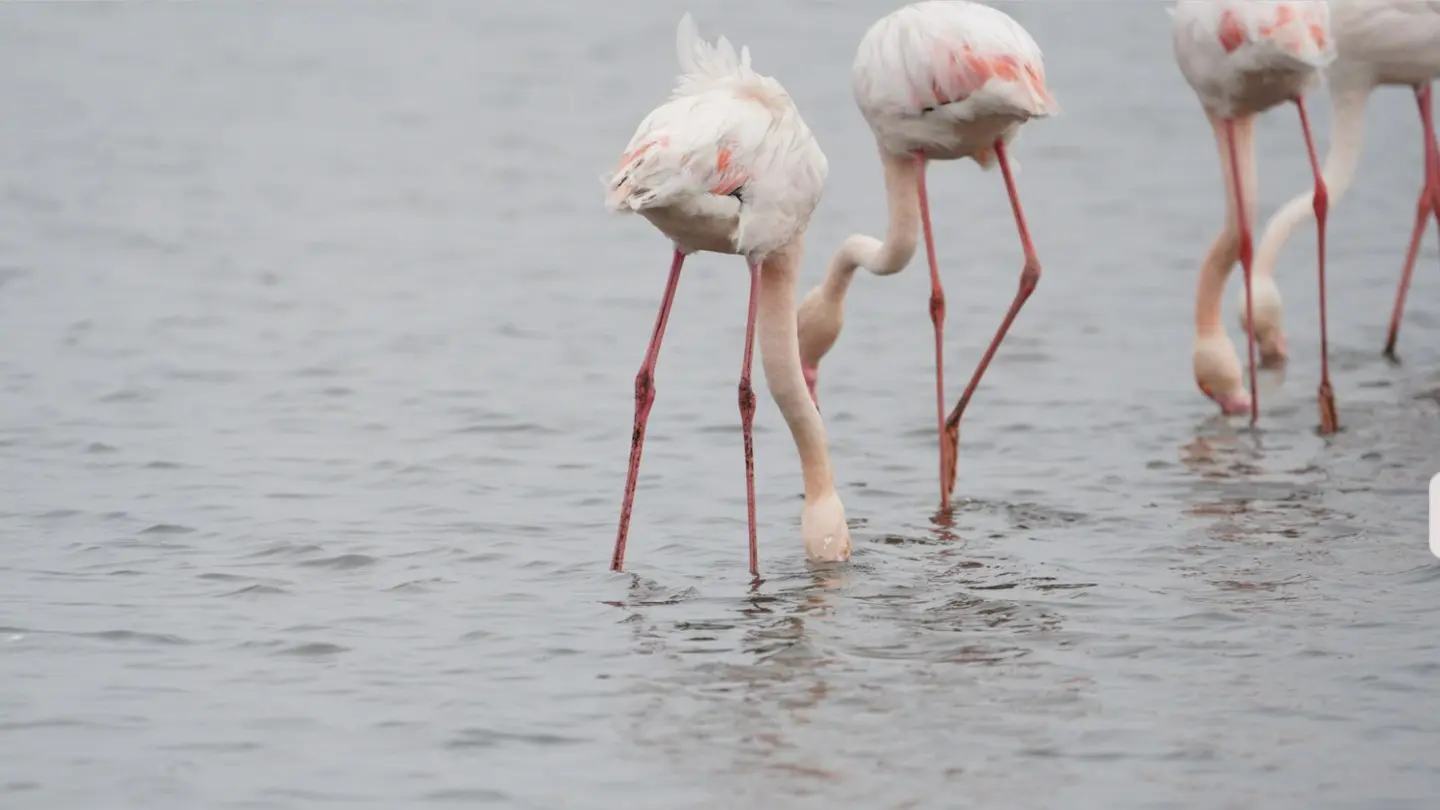
Most wildlife photographers know the feeling: thousands of frames from a trip, a few hundred of them with an animal worth keeping, and a keyword field that still says nothing. Naming every bird, mammal and lizard by hand is the job nobody gets round to — so the archive grows, and the species stay hidden inside it.
Specio was built to do that work for you. It goes through your photos, spots the animals in them, proposes a species for each one, and files your whole library across the tree of life. You stay in charge: nothing is written until you confirm.
Why identification usually stops at good intentions
Tagging species by hand asks for two things at once: a field guide's knowledge and an accountant's patience. Cloud services can help, but they want your images uploaded first — often at full resolution, often to a server you know nothing about. For a professional archive, or simply for photos of nesting sites you would rather keep to yourself, that is a real cost.
And once a name is found, it still has to land somewhere useful: in your Lightroom keywords, in your files' metadata, in a form other applications can read.
How Specio works
Specio rests on three principles that shape everything else.
Everything runs on your machine
Recognition runs locally — on the Neural Engine of an Apple Silicon Mac, on the graphics card of a Windows PC. Your images never leave your computer. The first launch downloads the recognition models once; after that, Specio works offline, in a hide with no signal as well as at your desk. Results live in a local database that you can move, back up or erase whenever you like.
Specio proposes, you decide
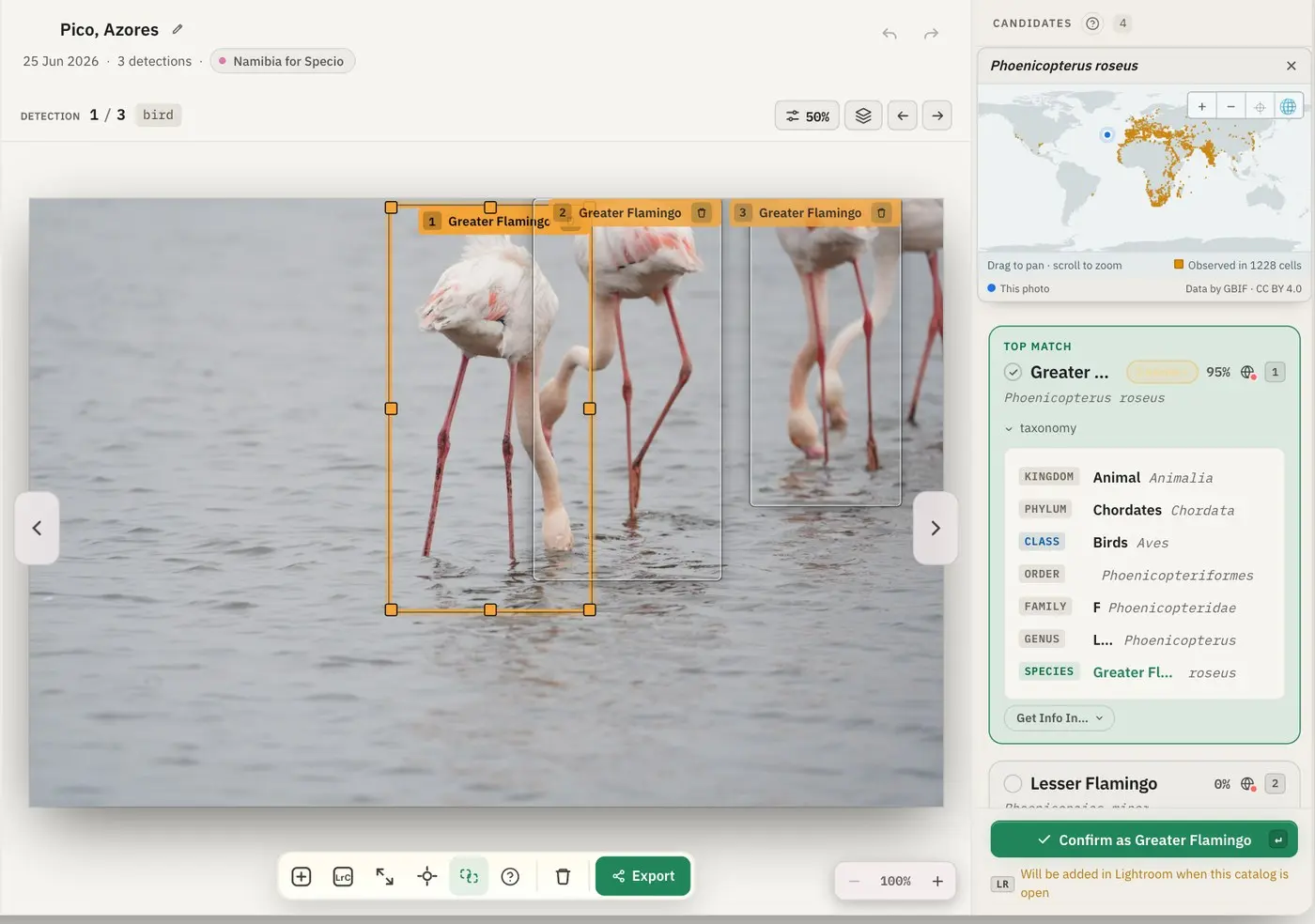
For each animal it finds, Specio frames it in its own zone and lists its best candidates, with the full taxonomic lineage of the top match. One key — Enter — confirms the proposal and moves you to the next animal. If the proposal is wrong, pick another candidate or type any name, common or Latin. Nothing is written to your photos before you confirm.
Non-destructive by design
Specio only ever adds keywords. It touches neither your pixels, nor your develop settings, nor the way your photos are organised. Remove a source from Specio and only Specio's own results are erased — your catalogue and your originals stay exactly as they were.
Where your photos already live
Specio does not ask you to move anything. It connects to the places your photos already are:
- a Lightroom Classic catalogue, through a small plug-in Specio installs for you;
- a folder on your disk — JPEG, RAW from most cameras, HEIC, PSD and PSB;
- your Apple Photos library, on macOS.
Several sources can sit side by side, and Specio treats them the same way: same analysis, same screens, same filters.
A concrete example
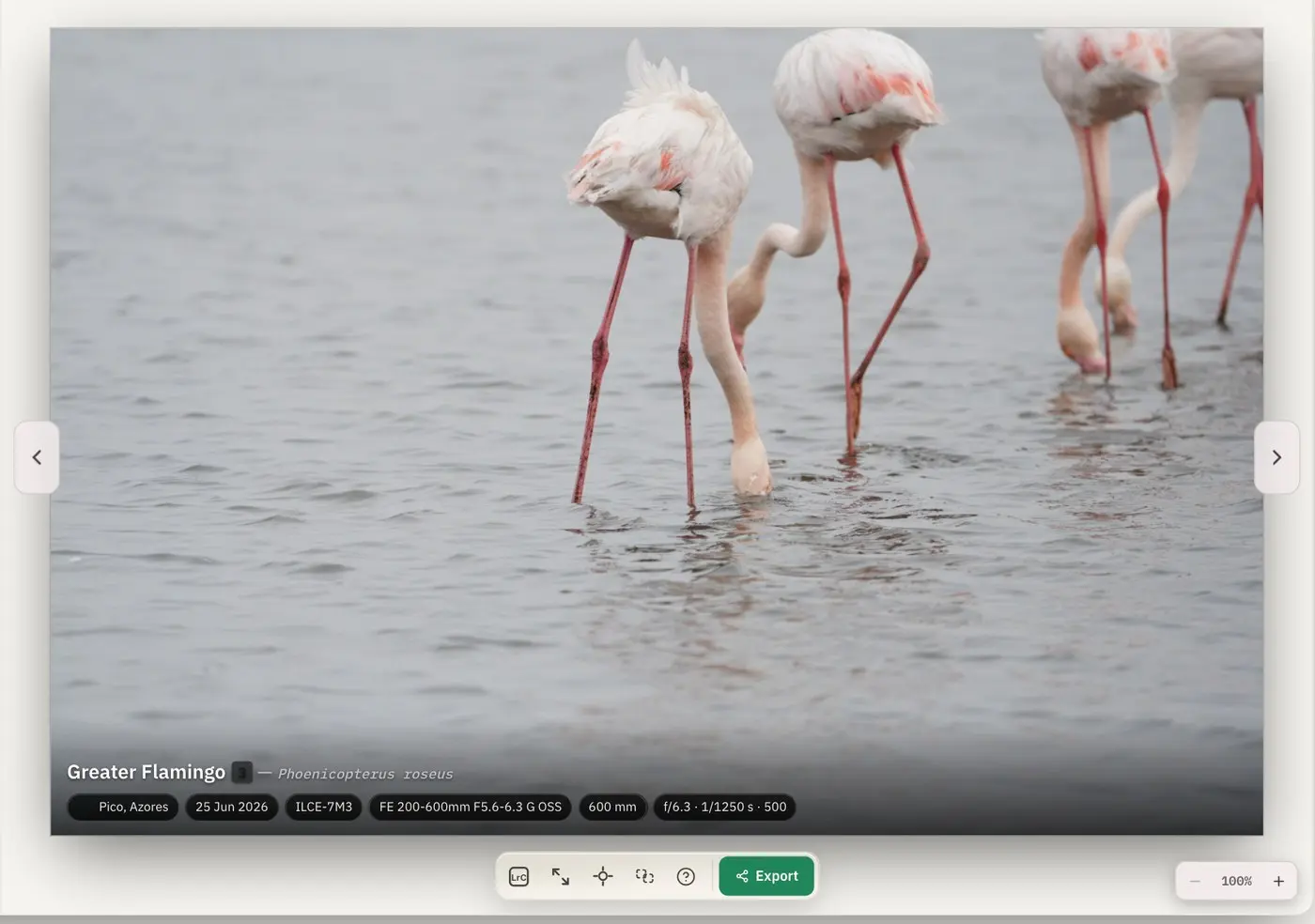
Take a single frame of three flamingos feeding in a lagoon. Specio frames each bird separately — two animals in the same frame need not be the same species — and proposes Greater Flamingo for the first, with Lesser Flamingo as the next candidate. Enter confirms. Once one bird is settled, a single button applies the same species to the other animals in the photo, without touching any zone you have already decided.
Switch to the Exploration view and the tools disappear: just your image, with the species laid over it.
Key takeaways
- Recognition is local and offline: your photos are never uploaded.
- Specio proposes, you confirm — nothing is written before that.
- It only adds keywords: no pixel, no develop setting, no folder is changed.
- It works with Lightroom Classic, folders and Apple Photos, on macOS and Windows.
Going further
You can try Specio for free: the analysis runs on your whole library, and 250 photos stay fully usable. Licences are sold per family of life — birds, mammals, reptiles and amphibians, marine wildlife, insects and arachnids — as a one-time purchase, not a subscription. See the Store and the FAQ.
Next in this series: Add species keywords to Lightroom Classic automatically.