Threatened species in your archive: the IUCN Red List in Specio
Specio flags the species in your photos that the IUCN Red List classes as Critically Endangered, Endangered or Vulnerable — and warns you before a precise location could reveal where they live.
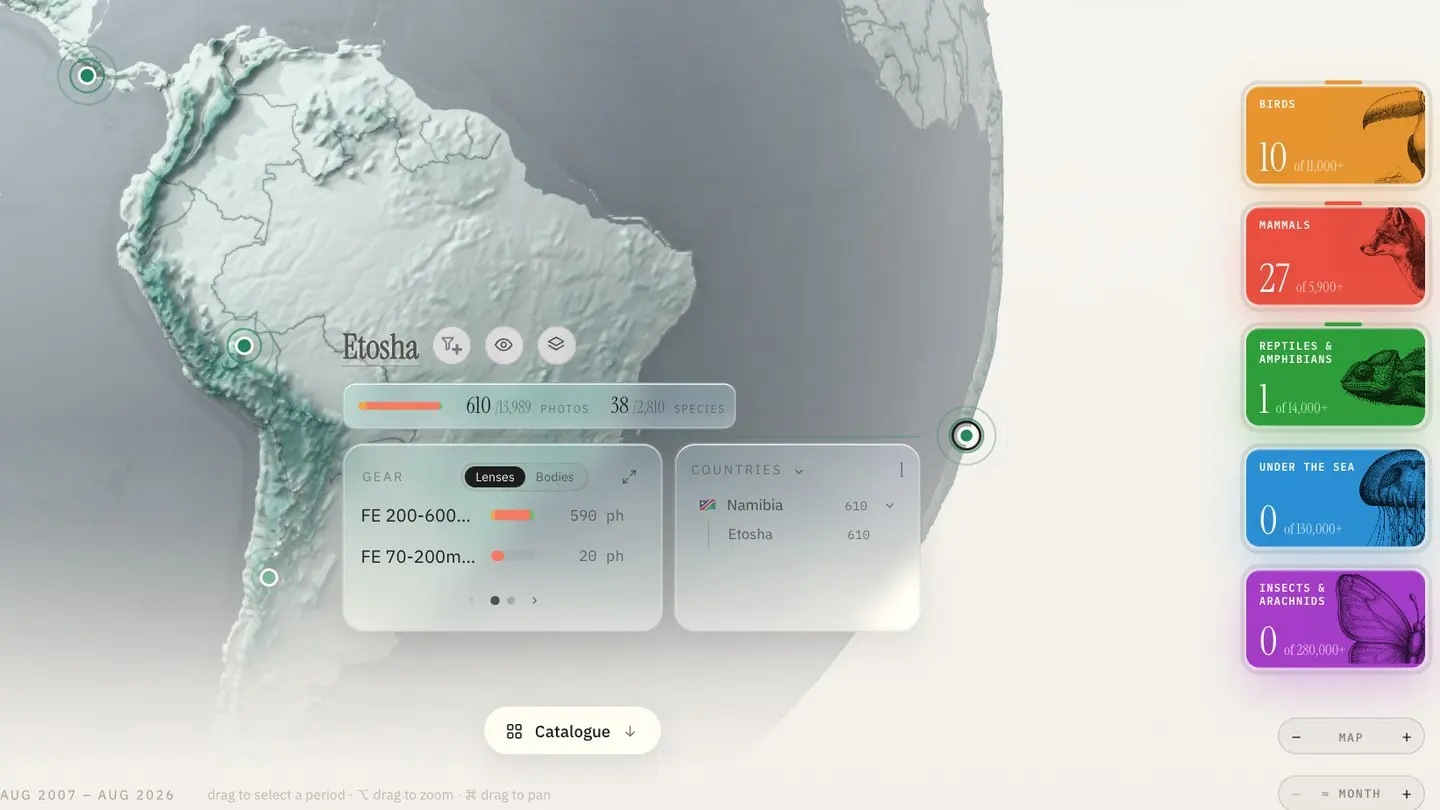
Somewhere in most wildlife archives there is a photo of a species in real trouble — a vulture, a pangolin, a sea turtle — filed next to the pigeons and never noticed again. Those images matter more than the rest: for conservation work, for publications, for simply knowing what you have witnessed.
Specio reads your library against the IUCN Red List, so the threatened species you have photographed stop hiding in the crowd.
The rarest photos are the easiest to lose
A conservation status isn't something you think to tag. Even photographers who keyword carefully rarely write "Endangered" next to the species name — and statuses change over the years anyway. So the question "which threatened species have I photographed, and where?" usually has no quick answer.
How Specio surfaces them
A Red List block on Home
On the Home screen, the information block describes whatever you are looking at: one place, a selection of places, a whole region, or the entire globe. One of its widgets lists the threatened species found there, according to the IUCN Red List, in three categories:
- Critically Endangered
- Endangered
- Vulnerable
A click on a category's card filters your library down to that level. Combine it with the rest: a country selected on the globe, a period on the timeline, one family of life.
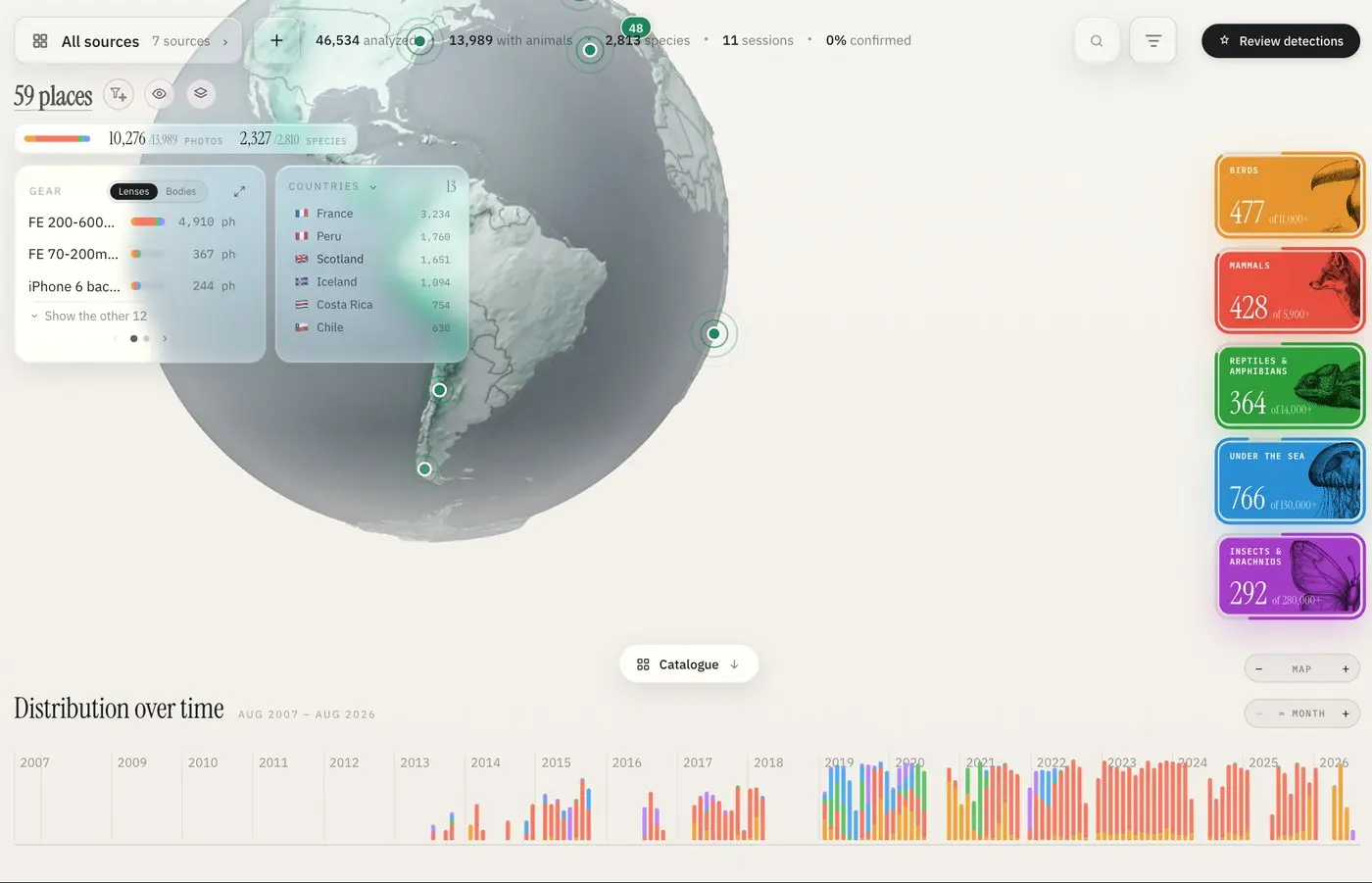
Choose what the block shows
The Widgets button decides which blocks appear — Families, Red List, Gear, Countries, Photos — so you can keep the Red List in view while you explore.
A warning before a location goes public
For a threatened species, a precise position can be sensitive information: published coordinates have led poachers and over-eager crowds to nests and dens. When you set a precise location on a threatened species' photo, Specio warns you that this position, written into your keywords and metadata, may end up published.
Locations you set by hand stay inside Specio by default. They are only written into your files if you switch on Auto-write GPS when setting a location.
A concrete example
Select every place from a trip to southern Africa on the globe. The Red List block lists the threatened species you found there — say, a Black Rhinoceros among the Critically Endangered, a few vultures among the Endangered. Click Endangered to filter on them, then the Catalogue button opens exactly those photos — ready to confirm, export as a card, or send to a conservation partner.
Key takeaways
- Specio flags species classed Critically Endangered, Endangered or Vulnerable by the IUCN Red List.
- The Red List block follows any selection: a place, a region, a period, a family.
- One click on a category filters your library to those photos.
- Specio warns you before a precise location of a threatened species could be published.
Going further
The Red List block is one part of Specio's Home screen — read Where and when you photographed: the globe and the timeline. Try Specio free on your own archive; licences are one-time purchases per family of life, on the Store.